
Quick answer: You can retarget Google Ads visitors on Meta by installing the Meta Pixel, building a Custom Audience of people who arrived from Google Ads using UTM parameters, excluding people who already converted, and showing them follow-up ads on Facebook and Instagram. It works because most visitors do not convert on the first visit.

Why retarget Google Ads visitors on Meta?
You have already paid for these clicks. In most Indian lead-generation accounts, only a small share of Google Ads visitors fill the form or call on the first visit.
The rest compare options, get distracted, or leave to think about it. Google Ads captures people while they are searching. Meta reaches them later while they scroll.
Google catches the intent, and Meta keeps you visible until they are ready. If you are still deciding how to split budget between the two, read Google Ads vs Meta Ads for lead generation.
What you need before you start
You need working tracking and enough traffic before retargeting can do anything useful.
- Meta Pixel installed on every page
- Conversions API set up if possible
- A consistent UTM structure on Google Ads links
- A cookie/consent banner
- Enough traffic: Meta needs a minimum audience size, and 1,000+ people delivers more reliably
If the Pixel or events are unreliable, fix that first. My guide to conversion tracking for Google Ads and Meta Ads covers the setup.
Step 1: Tag your Google Ads traffic with UTMs
Add UTM parameters to your final URLs so Meta can tell Google Ads visitors apart from organic or direct traffic. The simplest place is the account-level final URL suffix.
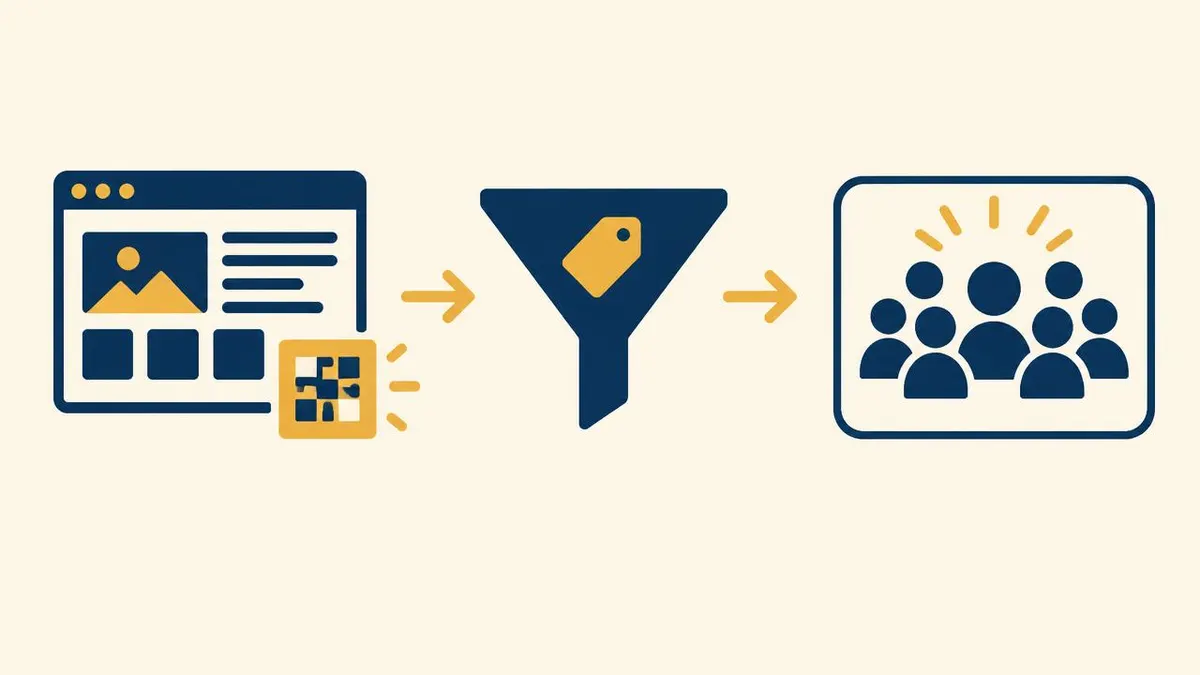
?utm_source=google&utm_medium=cpc&utm_campaign={campaignid}Step 2: Create the Custom Audience in Meta
Build a website Custom Audience filtered to URLs that carry your Google UTM.
- Open Meta Ads Manager, then Audiences, then Create Audience, then Custom Audience.
- Choose Website as the source and select your Pixel.
- Choose All website visitors or a specific event, then add the rule URL contains utm_source=google.
- Set the retention window.
- Name it clearly, for example “Google Ads visitors - 30 days”.
Note: menu names change, so check Meta’s current interface.
Step 3: Segment by intent
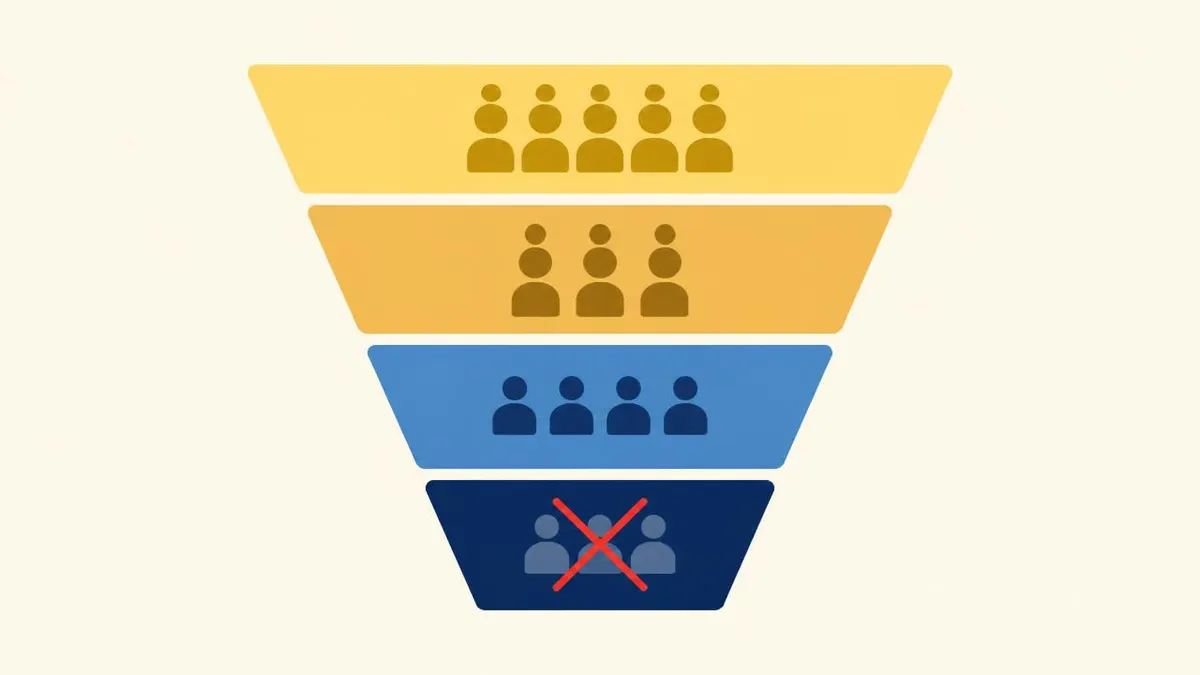
Split visitors by how far they got, and give each group a different message and window.
| Audience | Who they are | Suggested window | Ad message |
|---|---|---|---|
| Warm | Landed on the site, left quickly | 7 to 14 days | Reminder, trust signal, testimonial |
| Hot | Viewed pricing or service pages | 14 to 30 days | Offer, case study, free consultation |
| Almost | Started the form or clicked call/WhatsApp but did not finish | 7 to 14 days | Direct nudge, urgency, easy next step |
| Existing | Already converted | Exclude | Use only for upsell or referral |
Step 4: Exclude people who already converted
Create a second audience of people who submitted the form or reached the thank-you page and exclude it from every retargeting ad set.
Otherwise you waste budget showing “Book now” to people who already booked.
Step 5: Choose the right ad and objective
Pick the objective and format that match how your business closes leads.
- Lead-generation businesses use a leads objective with a landing page, or an instant form when speed matters more than lead quality.
- WhatsApp-first businesses can use Click-to-WhatsApp ads.
- Match the ad to what the person searched on Google.
- Good formats: short testimonial video, case-study carousel, FAQ-style ad answering the top objection.
Instant forms trade quality for speed. See why Meta Ads leads are often poor quality before you choose one.
How much budget should go to retargeting?
There is no universal ratio. Many advertisers put roughly 10% to 20% of total ad budget into retargeting and adjust from there.
Watch frequency: if the same person sees the ad more than a handful of times a week, rotate the creative or shrink the window.
Common mistakes
Most retargeting problems come from a handful of setup errors.
- No exclusions.
- Audience too small.
- One generic ad for everyone.
- Retention window too long.
- Broken tracking (missing Pixel events or no Conversions API).
- Ignoring consent.
How to measure results
Do not judge retargeting on last-click cost per lead alone, because it often assists conversions credited elsewhere.
Compare overall cost per lead and lead volume before and after, and compare conversion rate between people who saw the retargeting ad and those who did not. For the full method, read how to measure performance marketing from ad clicks to revenue.
Frequently asked questions
Can I retarget Google Ads visitors on Facebook and Instagram?
Yes. Use the Meta Pixel and a UTM-based Custom Audience of people who arrived from Google Ads.
Do I need the Meta Pixel to do this?
Yes. The Pixel, ideally with Conversions API, records who visited your site.
How long should the retargeting window be?
Most lead-gen businesses start with 7 to 30 days. Longer suits high-consideration purchases like real estate or education.
Is it worth it for a small budget?
Often yes, because these people already showed interest, but you need enough traffic to build a usable audience.
Can I retarget Meta visitors on Google instead?
Yes, using Google Ads remarketing audiences.
Sources and further reading
Need help running Google Ads and Meta retargeting?
I set up and manage both sides, from Meta Ads to conversion tracking.
Book a free consultation